
An AI assistant that does the work, right inside Ritten.
Ask in plain language. It updates charts, books appointments, and works claims across your EMR, RCM, and CRM, with the permissions your team already has.
Ritten Agent walkthrough. Preview or publish the page to see it play.
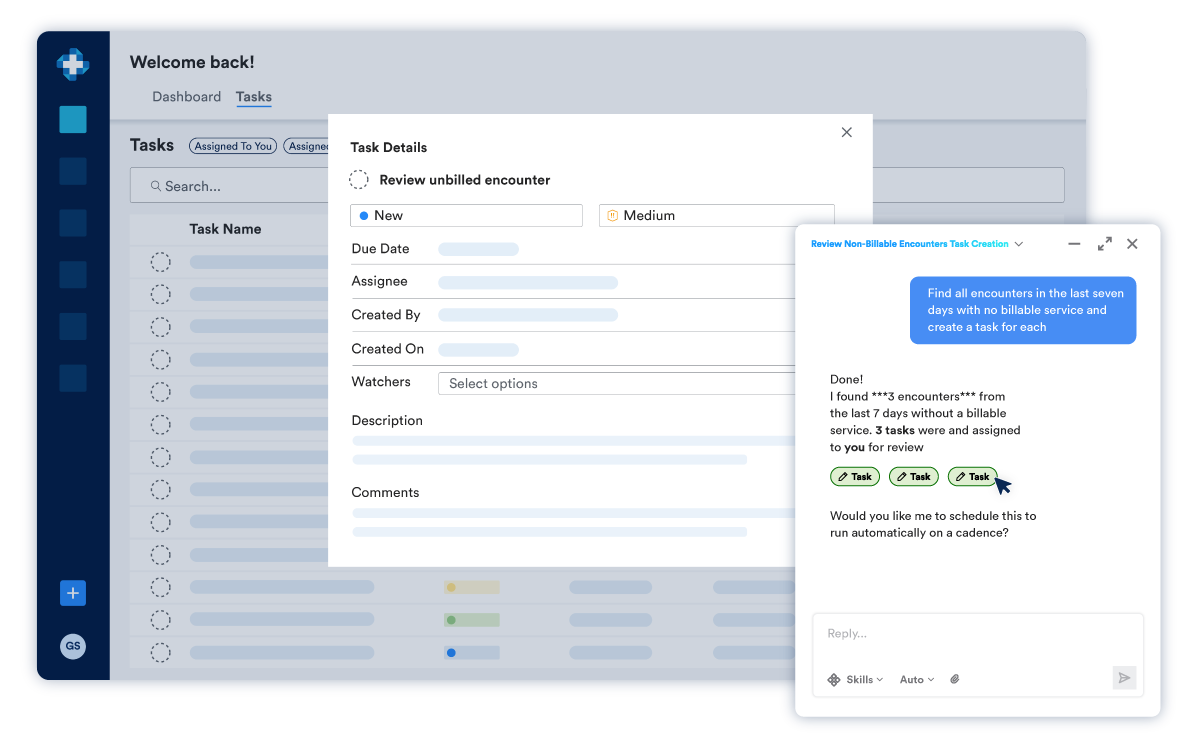
Let Agent do the work.
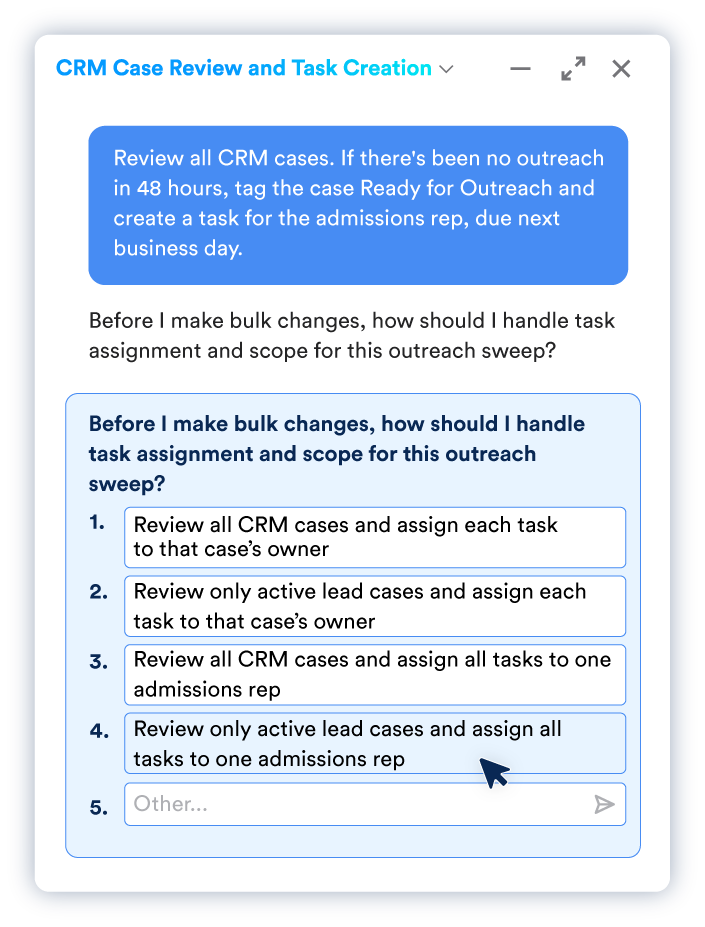
Point Ritten Agent at your most important problems. It analyzes your data, takes action in the system, and creates follow-ups along the way, so you can focus on what’s happening outside your EMR.

I honestly feel like you saved my life. With just a few prompts, these forms are being built out beautifully, exactly the way I envisioned them. An entire mountain that was sitting on my shoulders has been lifted, and I genuinely feel like a new person. I always heard the saying, “Not everyone who saves lives wears a badge.” And honestly, I feel like you guys saved mine, not with a badge, but with AI and a couple of prompts.
- Solomon • WeCareBH
Do it once. Then never again.
Turn any finished workflow into a Skill, then run it on demand or on a schedule.
Finish the work
Do the task with Agent the way you normally would.
Say "make a skill"
It writes the name, description, and instructions itself.
Put it on a schedule
Daily at 9am, hourly, or whatever the work needs.
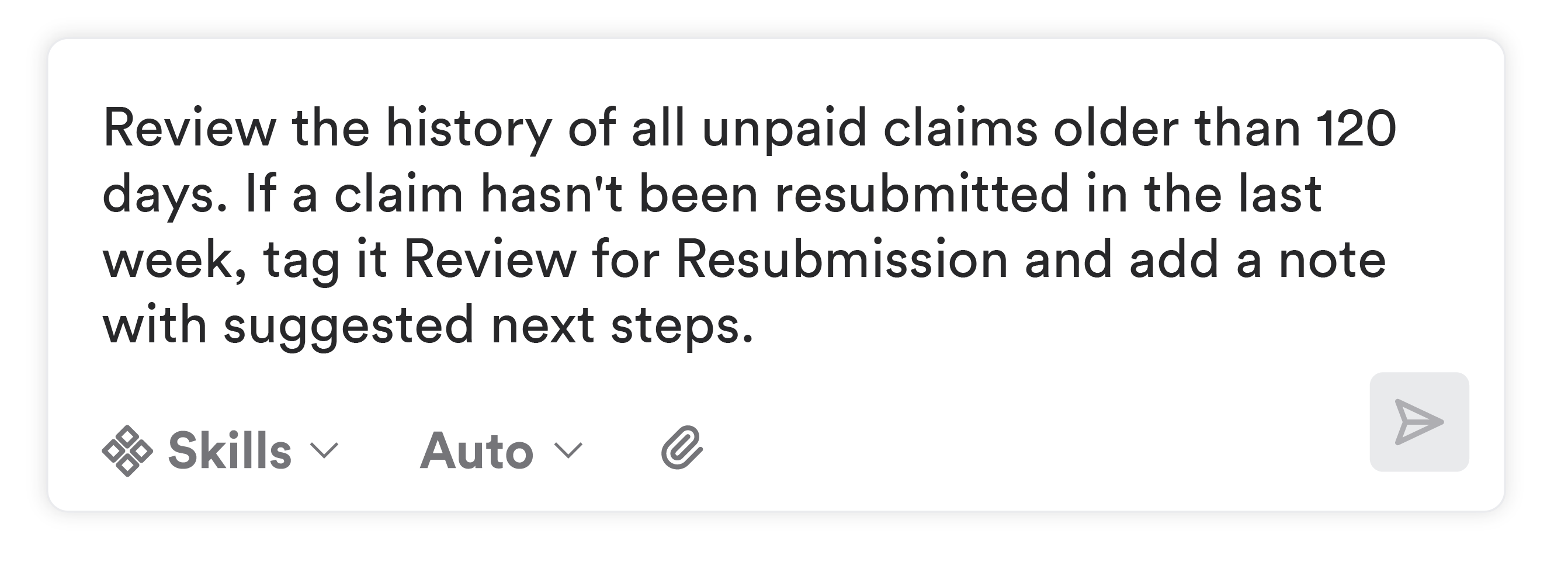
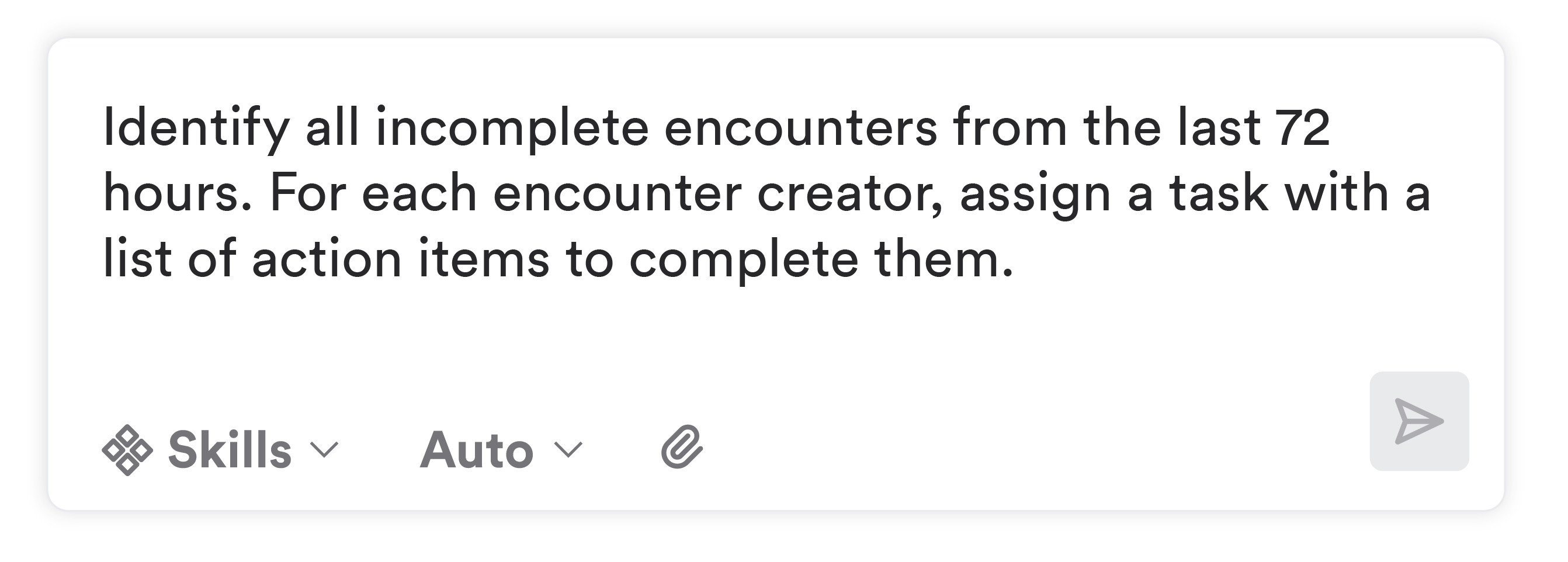
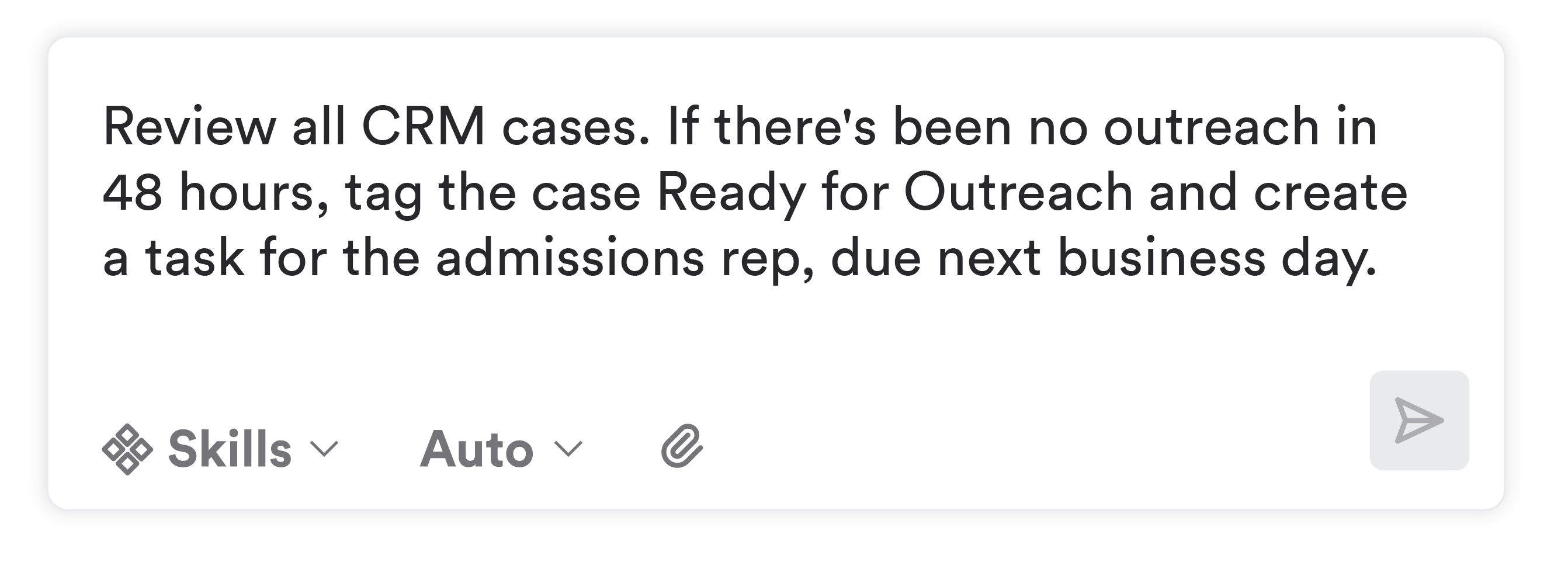
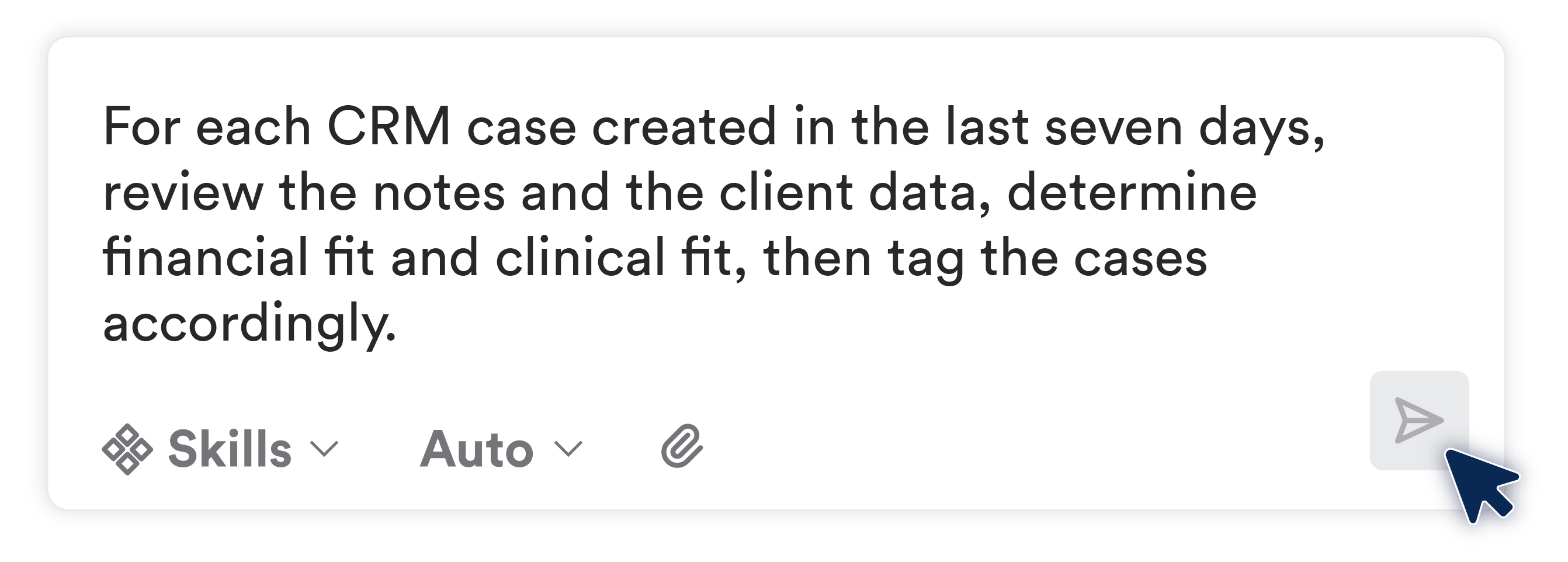
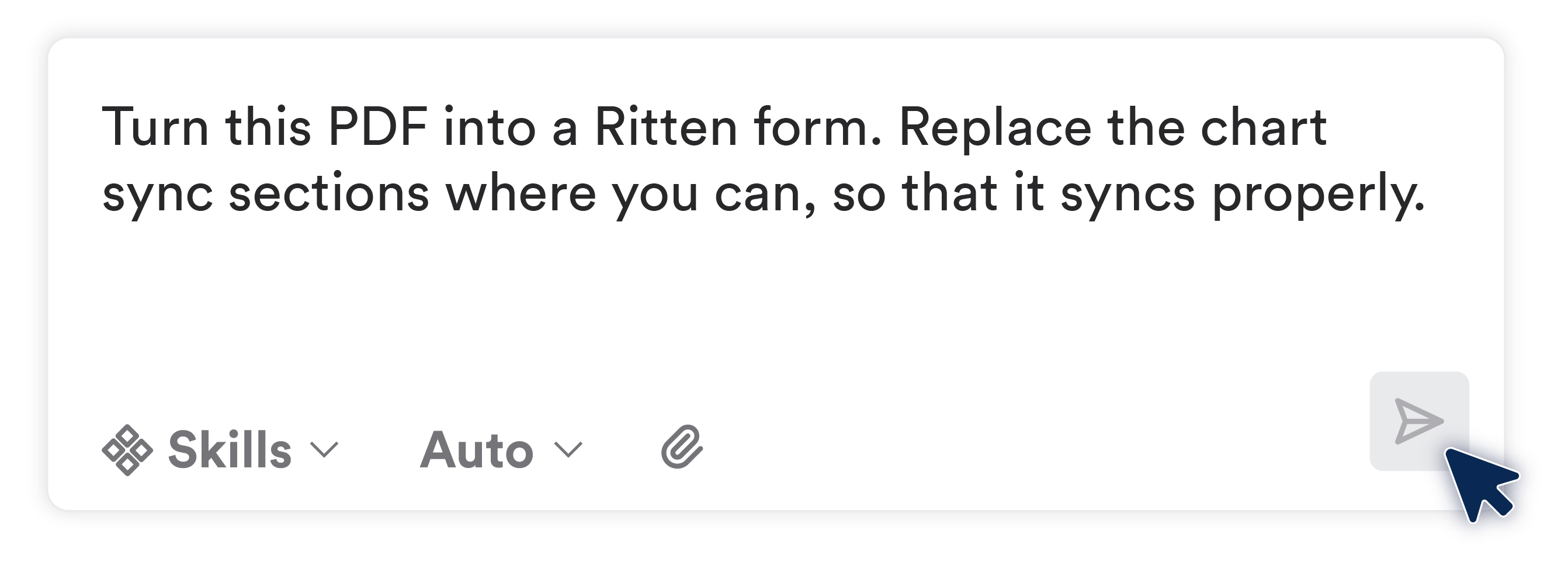
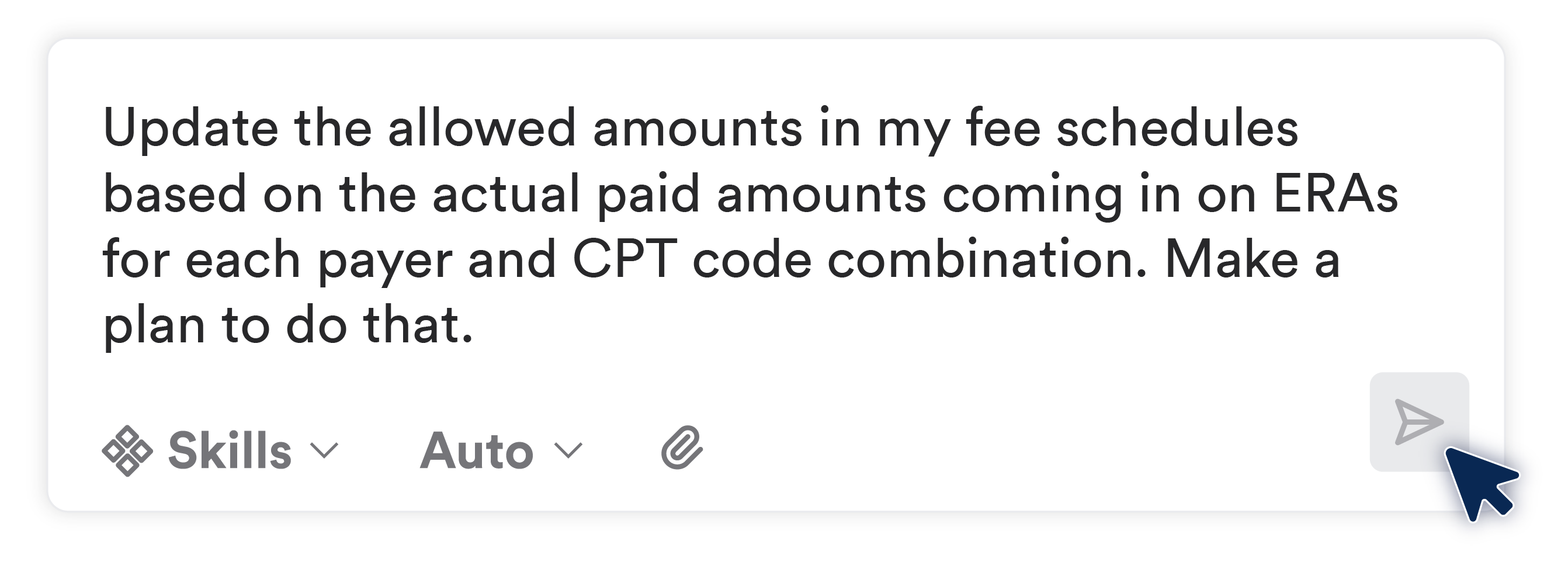
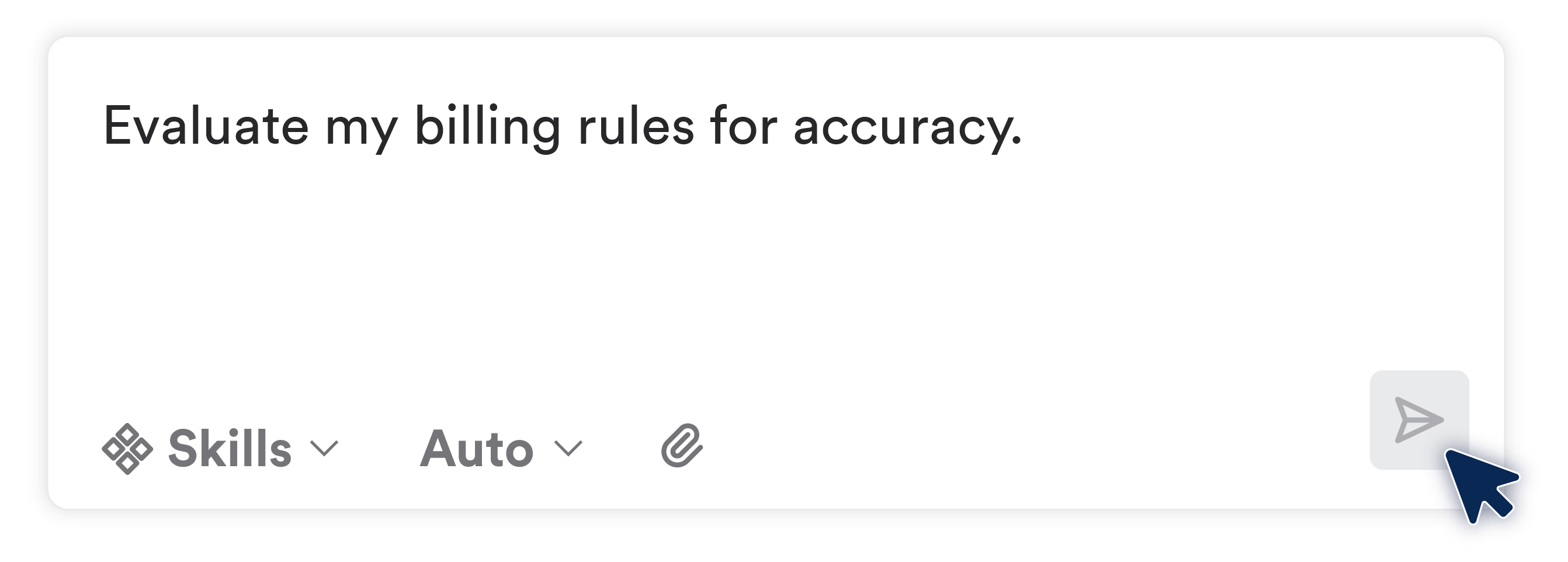
Real requests, real work
It's built into Ritten, so there's no outside AI tool in the loop.
What it does today

Admissions
Admit, transfer, and discharge clients across programs

Chart upkeep
Diagnoses, medications, allergies, contacts, addresses, insurance

Scheduling
Book, move, cancel, and check in appointments

Documentation
Attach forms to encounters, fill fields in bulk, route for signature
Compliance
Pull what's due, clear the list, mark required forms complete

Referrals and intake
Create cases, contacts, and organizations, and move cases through status

Tasks
Create, assign, comment, and close, including treatment plan tasks

Claims
Build claims from services, re-run billing rules, tag and archive

Remittance
Match ERAs to claims and apply payments, one or in bulk

Billing setup
Payers, fee schedules, modifiers, and billing rules
You stay in control
It tells you what it's doing and never goes around you.

Built on the same foundation as your records
Same permissions
It can't do anything the user can't.
PHI stays protected
Conversations get the same encryption as the chart.
One data model
No sync, no connector. That's why it can act, not just read.
Frequently Asked Questions
Still have questions about our behavioral health software? Email us at hello@ritten.io
Ritten Agent is an AI assistant built into Ritten. You tell it what you need in plain language, and it does the work across your EMR, RCM, and CRM, with the permissions and rules your team already has.
Most AI chat can tell you things, like giving you a list of unbilled encounters. Ritten Agent gives you the list and opens the tasks for you. It takes action on your real records instead of handing you a summary.
No. You ask in plain language, the way you would ask someone you trust. If a request is vague, it asks what you meant instead of guessing.
You decide how much autonomy it gets. It can check in before making changes or work more independently, and read-only requests run instantly. On big jobs, it lays out its plan first so you approve the approach before anything changes.
No. It can't do anything the user can't. Permissions work exactly as they do in the rest of Ritten, so Ritten Agent is a new way to work in the software, not new access.
It shows its work. Every step and every record it touched is logged, with links back to each one, including scheduled runs.
Conversations with Ritten Agent get the same encryption and access controls as the rest of the chart. Because Agent is built into Ritten, nobody has to copy PHI into an outside AI tool to get help.
A Skill is a workflow you save once so it can run again. Finish a task, say "make a skill," and the Agent writes the name, description, and instructions itself. You can run it on demand or on a schedule, such as daily at 9am or hourly.
Skills are not pre-built. Your team creates them, private or shared, around how your clinic actually works.
Data Studio answers questions about your data. Ritten Agent takes action in the system. They do different jobs.

Get started with Ritten today!
Customized setup
Easily switch from old provider
Simple pricing