
Admissions and charting in one system.
Every inquiry, phone call, referral, or web application becomes a case you can track, qualify, and convert into a client without leaving Ritten.

Two views for the way admissions actually work
A case is one instance of a person seeking treatment, from first contact through admission. It holds who the person is, their point of contact, where the lead came from, insurance, owner, follow-up date, and conversation history. When the case is ready, Ritten generates the chart.
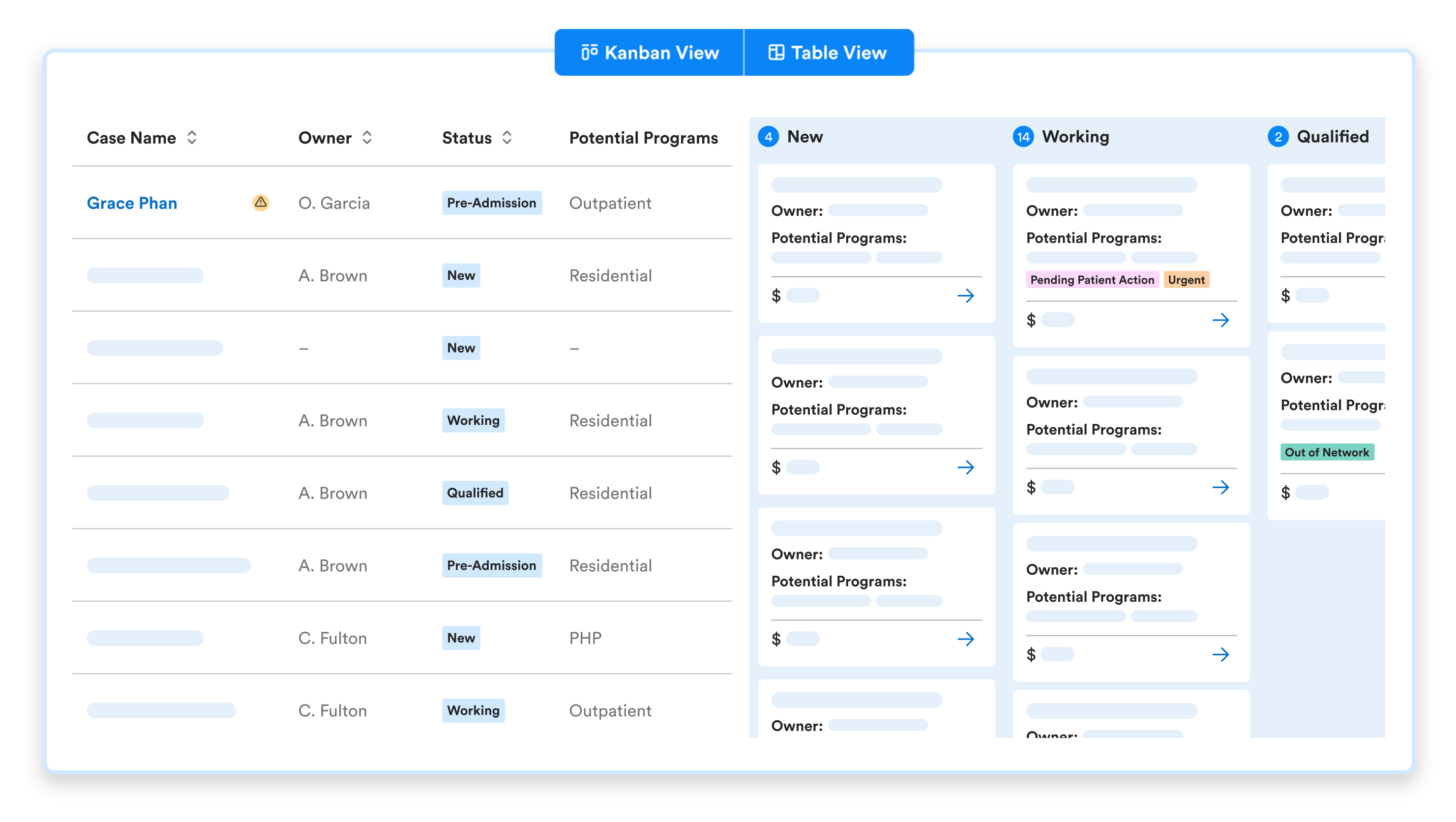

Built for admissions work, not sales
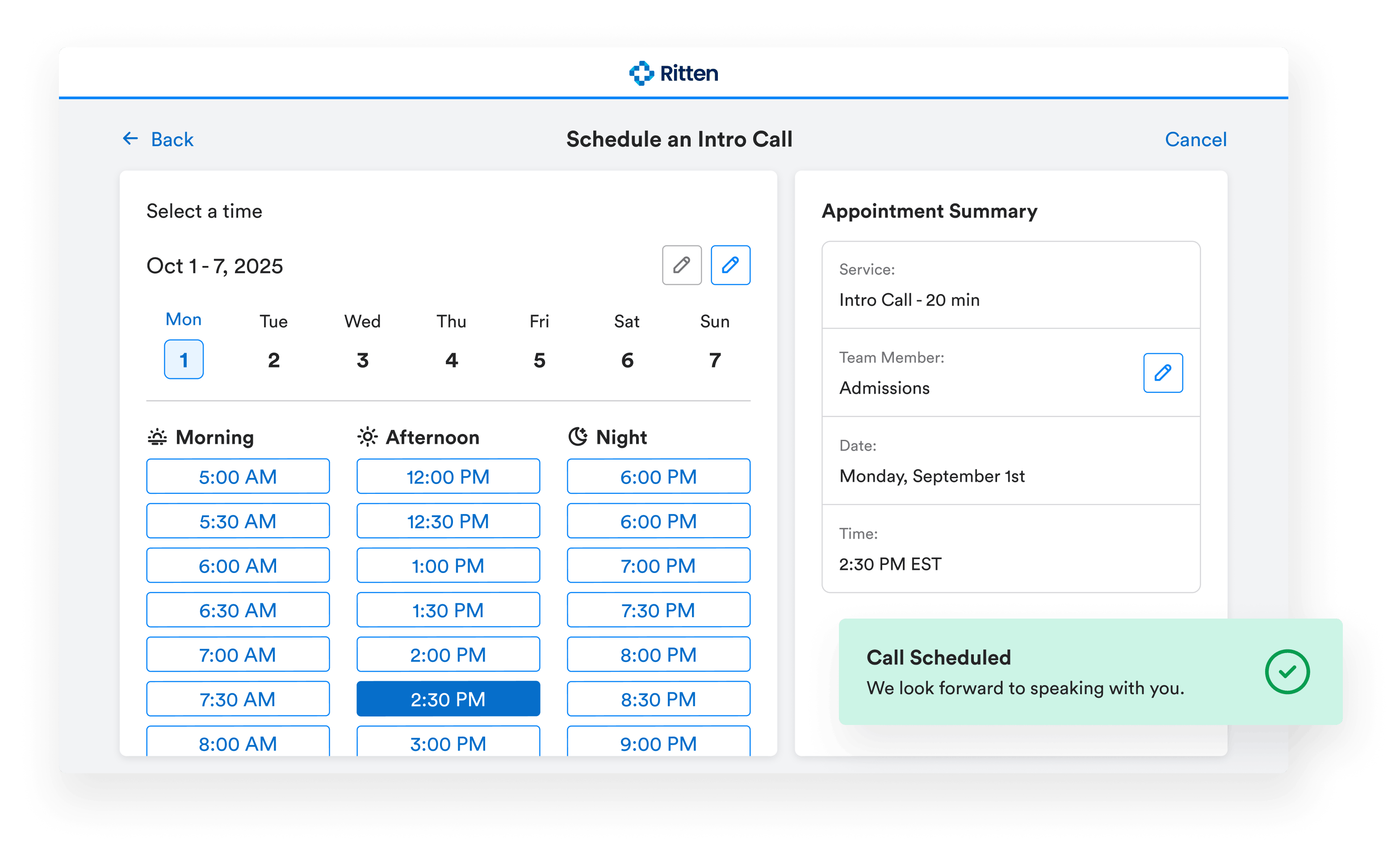
CTM call tracking, built in
Most admissions inquiries start with a phone call. Ritten's Call Tracking Metrics (CTM) integration pulls inbound and outbound calls into the CRM with an AI-generated summary on each.
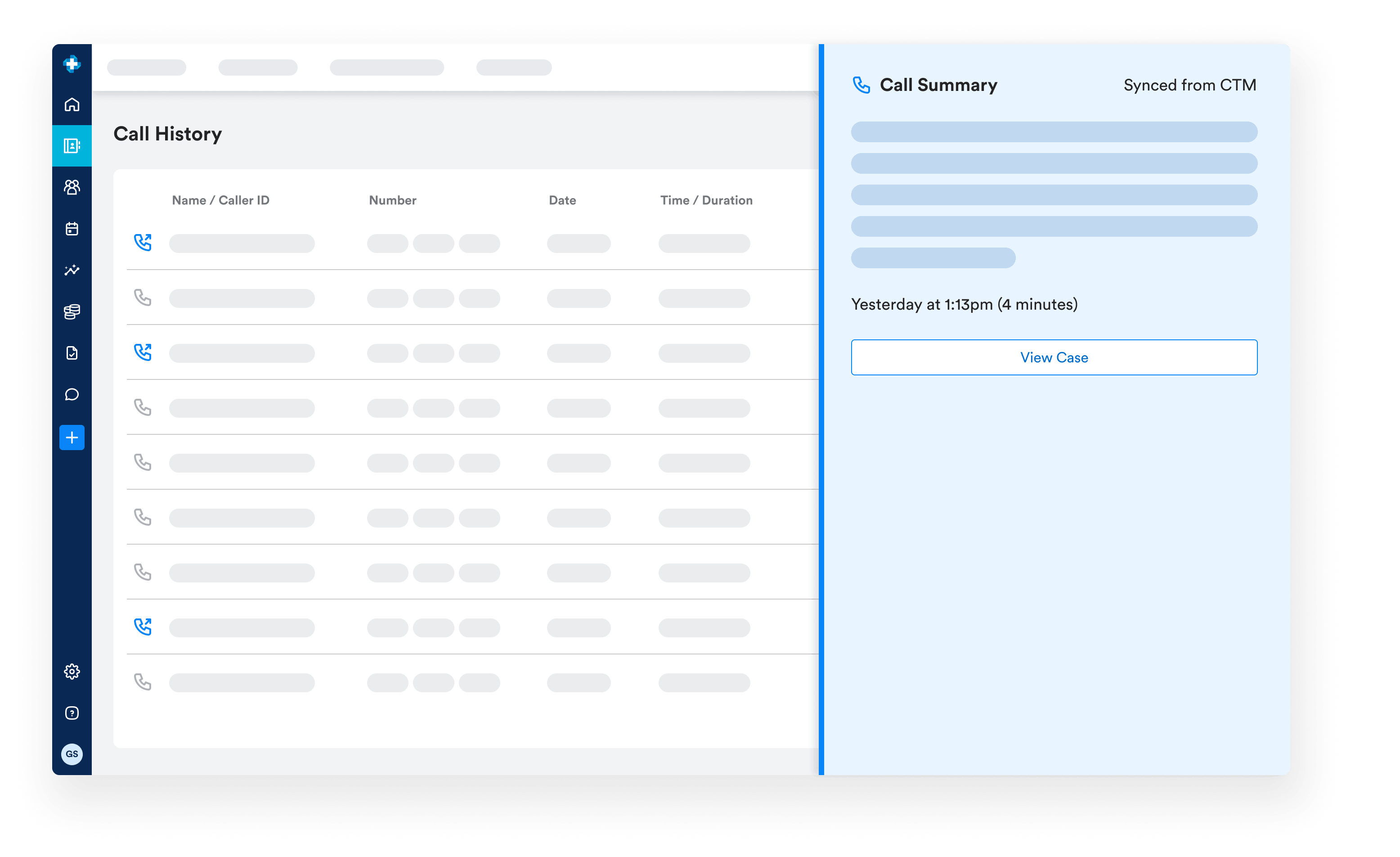
From case to chart, without re-entry
Move a case to Pre-Admission and Ritten generates an MRN and a client chart. Insurance card images uploaded during admissions land in the chart's Attachments tab automatically.
Frequently Asked Questions
Still have questions about our behavioral health software? Email us at hello@ritten.io
Yes. Each linked call adds its summary as another case note, and new campaigns are added as additional tags.
Yes. Case Statuses, Case Tags, Case Source, and Reasons for Disqualification are all configurable in CRM Configurations.
Ritten integrates with Call Tracking Metrics (CTM). Calls can be linked to cases with AI-generated summaries attached.
A case has one status at a time (where it is in the pipeline) and can have multiple tags. Tags are typically used for marketing attribution, event tracking, or admissions task tracking.
The case record stays in the CRM. The chart, generated at Pre-Admission, becomes the active record for clinical workflows. Case notes carry over as Staff Notes

Turn your Encounters into clean claims automatically
Show us how you bill today. We’ll show you how Claimification can reduce manual touches and speed up reimbursement.